
Nagad88 App for Android and iOS in Bangladesh
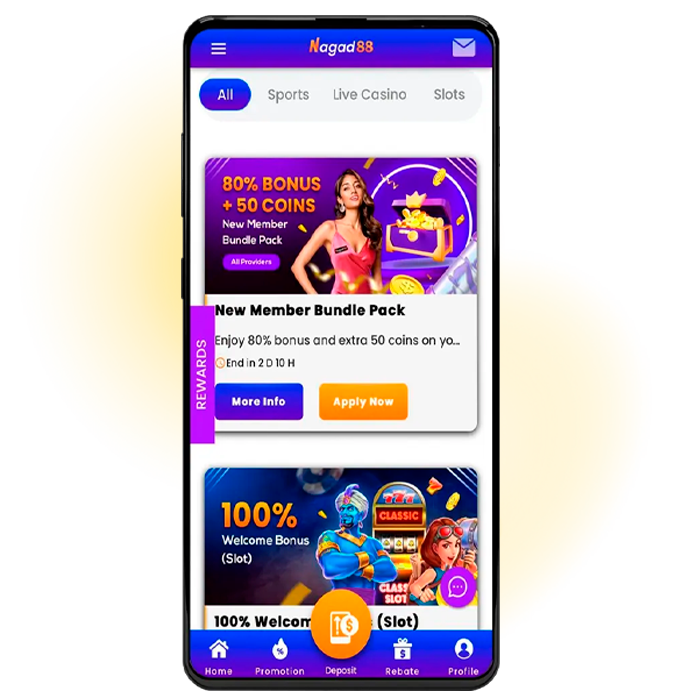
The Nagad88 app gives players in Bangladesh mobile access to casino games, live tables, sports betting, promotions, payments, and account tools. Everything is organized for convenient use on Android and iOS smartphones. Nagad88 apps let players switch between gaming sections, check their account, manage transactions, and follow live events without using a desktop. Our platform keeps navigation clear and provides direct access to key services from a phone. Nagad88 is intended for users aged 18 or older who are legally eligible to gamble in Bangladesh.
Why Choose the Nagad88 App?
The Nagad88 casino app gives players direct access to our gaming, betting, payment, and account services from a phone. The Nagad88 Bangladesh app provides the same core platform functions in a format optimized for convenient mobile use rather than relying on separate mobile-only offers.
The main advantages for players in Bangladesh include:
- Mobile live casino controls. Players can use betting history, adjustable audio, and multi-language options on smartphones and tablets, making live games easier to manage on a smaller screen.
- Live games suited to phones. Titles such as Live Andar Bahar work well for mobile gaming and shorter playing sessions without requiring desktop access.
- Secure account access. We use technical and administrative safeguards to protect personal data against unauthorized access, use, and disclosure across our services.
- Regular promotions. Players can check current bonuses and promotions from their phones. We do not present a separate app-only bonus.
For the Nagad88 official site app, start from our current official website. This provides direct access to the available mobile options, while the Promotions section shows active offers and their current conditions.
Screenshots
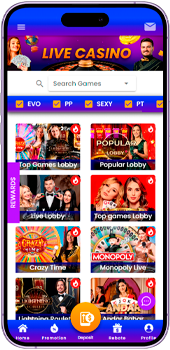
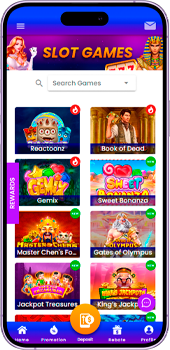
The screenshots below show the current Nagad88 mobile layout and key account areas. They provide a clear view of the interface, navigation, and main functions available from a smartphone.
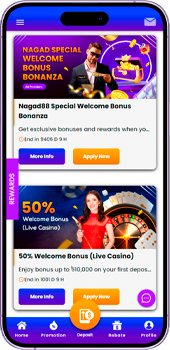
Android App Installation
Android users should start every Nagad88 app download from our official website. The site provides the Nagad88 APK directly, so players do not need third-party download pages or file mirrors.
Follow these steps to install the Nagad88 app APK on an Android smartphone:
- Open the official website. Launch your preferred browser on Android and go to Nagad88.
- Start the Nagad88 APK download for Android. Tap the download button and save the APK file to your device.
- Allow installation from the selected source. If Android blocks the installation, open the browser or file manager settings and enable Allow from this source or the equivalent permission for unknown apps.
- Open the APK file. Go to your Downloads folder, tap the saved file, and confirm the installation request.
- Complete the installation. Wait until Android finishes installing the software, then tap Open.
- Launch Nagad88. Register a new account or sign in with your existing details and start using the available mobile services.
Compatibility depends on the Android version and device settings. If extra installation permission is required, grant it only to the browser or file manager used for the official APK, then disable that permission again after installation.
iOS App Installation
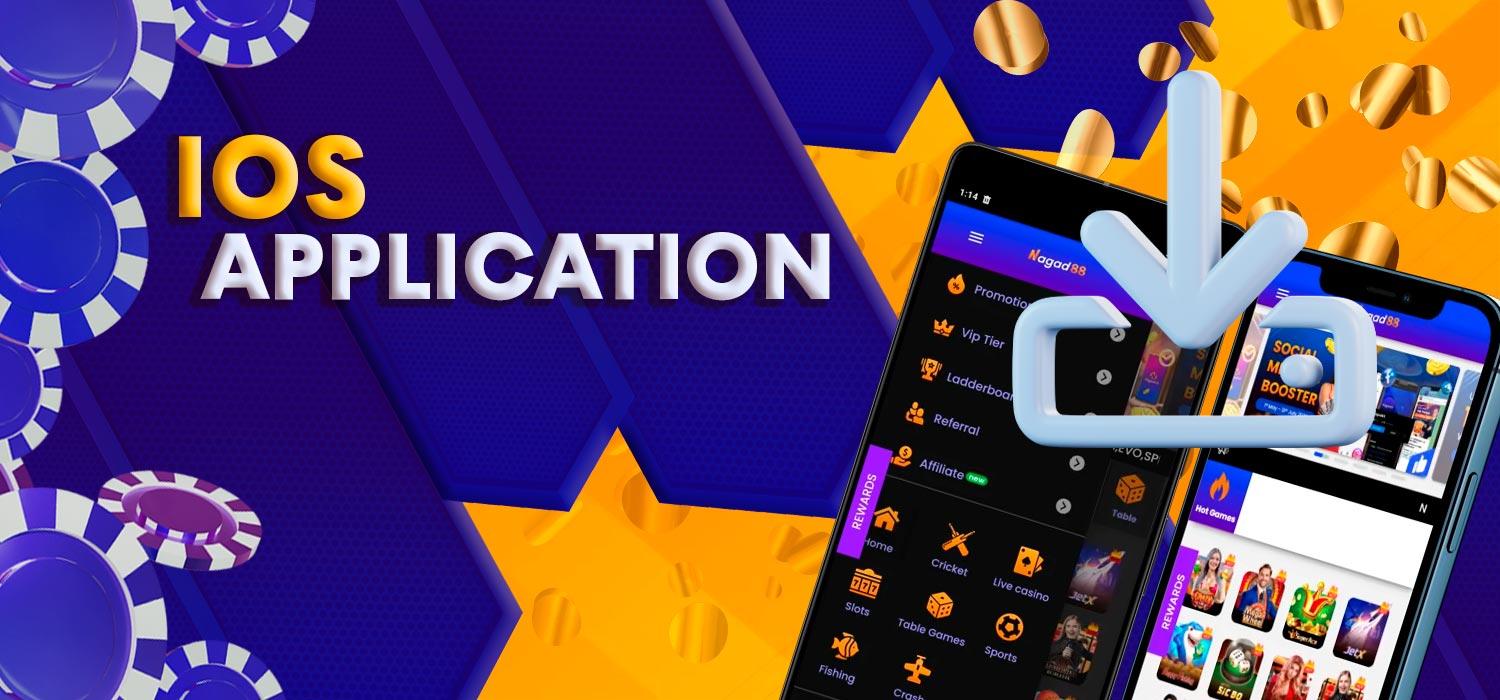
iPhone and iPad users can access Nagad88 through Safari and add the website to the Home Screen as a PWA. For users searching for Nagad88 apps download iOS, this setup creates a web application icon without installing an Android APK and preserves a mobile-optimized experience on Apple devices.
Follow these steps to add Nagad88 as a PWA on iOS:
- Open Safari. Visit the official Nagad88 website on your iPhone or iPad.
- Open the Share menu. Tap the Share button at the bottom or top of Safari, depending on your iOS layout.
- Choose Add to Home Screen. Scroll through the available actions and select Add to Home Screen.
- Enable Open as Web App. Turn on this option if it appears during setup.
- Add Nagad88. Confirm the name and tap Add to place the icon on your Home Screen.
- Launch the PWA. Tap the new Nagad88 icon to open the application, register, or sign in with an existing account.
A Nagad88 apps free download search is not required for this iOS method. The PWA opens our current web service directly, while supported web notifications can be enabled when the site requests permission and the user approves them.
Registration and Login
Registration and login are available directly from a phone, so players can manage account access without returning to a desktop. The Nagad88 app login uses the same account credentials across mobile access points, which means an existing user does not need to create a separate profile for smartphone use. The sections below explain how to register a new account and how to sign in through the Nagad88 login app using existing details:
How to Register
The registration form starts with basic login details and then continues to account information for Bangladesh. Complete every required field carefully before creating the account.
Follow these steps to register from your phone:
- Open the registration form. Tap Sign Up at the top of the Nagad88 website or mobile interface.
- Create a username. Enter a username containing 6–13 characters.
- Set a password. Create your password and enter it again in the Confirm Password field.
- Continue to the next stage. Tap Continue after completing the first registration screen.
- Select your currency. Choose BDT for an account intended for use in Bangladesh.
- Enter your phone number. Select the +880 country code and provide an active Bangladesh mobile number.
- Add a referral code. Enter a code if you have one. Leave the field blank if it is optional and you do not have a referral code.
- Complete registration. Review the information you entered and tap Complete to create the account.
After registration, keep your username, phone number, and password secure. These details will be used for future account access through the mobile service.
How to Log In
The Nagad88 login app process uses the credentials created during registration. A Nagad88 app login download does not create a separate account or change your existing username.
Follow these steps to access your account from a phone:
- Open Nagad88. Launch the Android version or open the iOS PWA from your Home Screen.
- Select Login. Tap Login at the top of the page to open the sign-in form.
- Enter your username. Type the username linked to your Nagad88 account in the Username field.
- Enter your password. Type your Nagad88 app login password in the Password field.
- Sign in. Tap the yellow LOGIN button to access your account.
- Reset the password if needed. Select Forgot Password? if you cannot remember your password and follow the recovery process.
- Use Telegram login. The login form also includes a Login with Telegram option for users who have this method connected to their account.
Keep your username and password private and avoid saving them on a shared device. Account holders are responsible for protecting their login data and activity performed through their accounts.
Mobile Features and Interface
Our mobile interface keeps casino games, sports betting, promotions, payments, and account controls in one place. We optimize the layout for smaller screens, so players can use direct touch navigation and reach the main gaming sections without switching to a desktop.
The Nagad88 casino app download for Android provides access to slots, live casino, table games, crash titles, fishing, lottery, and sports. The app Nagad88 casino experience also includes features for supported live games, including betting history, adjustable audio, multi-language settings, instant result updates, multi-view presentation, and live chat.
The Nagad88 bet app uses the same account for sports markets and casino gaming. Players can move between betting sections, check their balance, open account tools, and access the cashier without creating a second profile.
We may also use account data to send promotional offers and service updates. Users can opt out of marketing messages, while notifications through the iOS PWA require permission before they can appear on the device.
Payment Methods
Players in Bangladesh can use Nagad, bKash, Rocket and USDT through the payment channels shown in our cashier. Nagad and bKash support both deposits and withdrawals, while the crypto options listed below are available for deposits only. The current payment methods, channels, and transaction limits are:
| Payment Method | Channel | Deposits | Deposit Limits | Withdrawals | Withdrawal Limits |
|---|---|---|---|---|---|
| Nagad | PayBD | Yes | ৳300–৳25,000 | Yes | ৳500–৳30,000 |
| SpeedPay | Yes | ৳300–৳30,000 | |||
| A-Pay Instant Payment | Yes | ৳500–৳25,000 | |||
| bKash | PayBD | Yes | ৳500–৳25,000 | Yes | ৳500–৳30,000 |
| SpeedPay | Yes | ৳500–৳30,000 | |||
| A-Pay Instant Payment | Yes | ৳1,000–৳30,000 | |||
| Rocket | – | No | – | Yes | ৳800–৳20,000 |
| USDT | ERC20 | Yes | ৳500–৳50,000 | No | – |
| TRC20 | Yes | ৳500–৳50,000 |
Deposit limits depend on both the payment method and the selected channel. We recommend checking the cashier before confirming a transaction because available limits and routing options may change.
FAQ
Can I download Nagad88 on Android?

Yes. Use the Nagad88 apps download option on our official website to get the Android APK. Install only the file provided through our current mobile download route.
Do I need a separate account after installation?
No. A Nagad88 login download does not create a new account. Use the same username and password that you created during registration.
Is the official download route safe?
Yes. Use the Nagad88 download option from our official website and avoid files from third-party APK or IPA websites.
Is Nagad88 available through Google Play?
Our Android installation route is through the official website. Do not use a Nagad88 apps download Play Store result unless we link to that listing directly from our website.
Can I use the same login on Android?
Yes. The Nagad88 login app for Android uses your existing account details. Open the installed version, select Login, and enter your current username and password.